
All documents
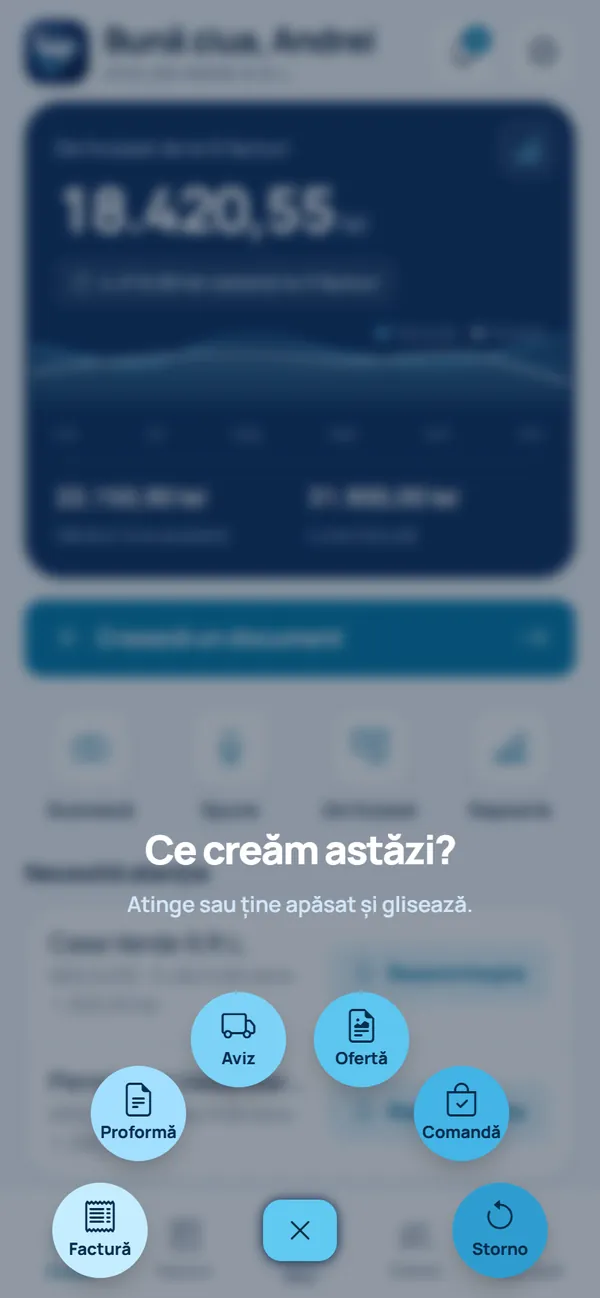
Tap + and choose what you want to issue.
- Invoice and proforma
- Delivery note
- Credit note
- Quote with an acceptance link
- Order
Free app for Android
The Invoicy app for Android uses the same account as the website. You issue documents, photograph an invoice so the app reads it, see who has not paid and remind the client, all without a computer.
 On a computer? Scan the code with your phone and download the app straight there.
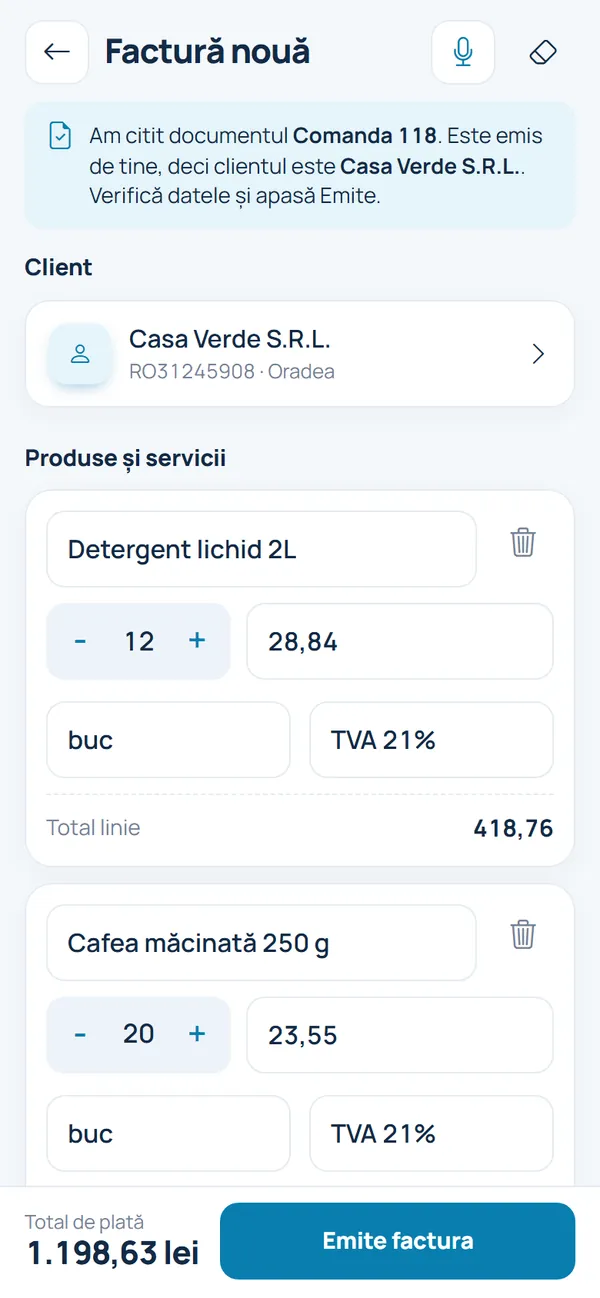
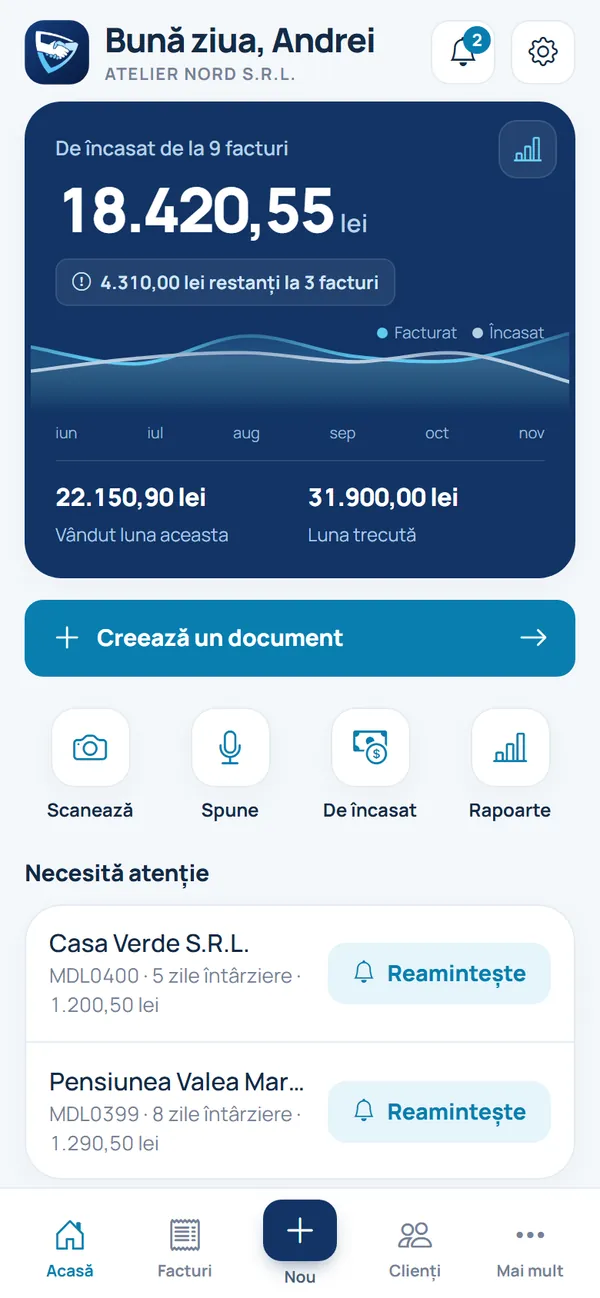
You photograph an invoice, a delivery note, an order or even a handwritten list. The app reads the data and shows you an invoice ready to check.


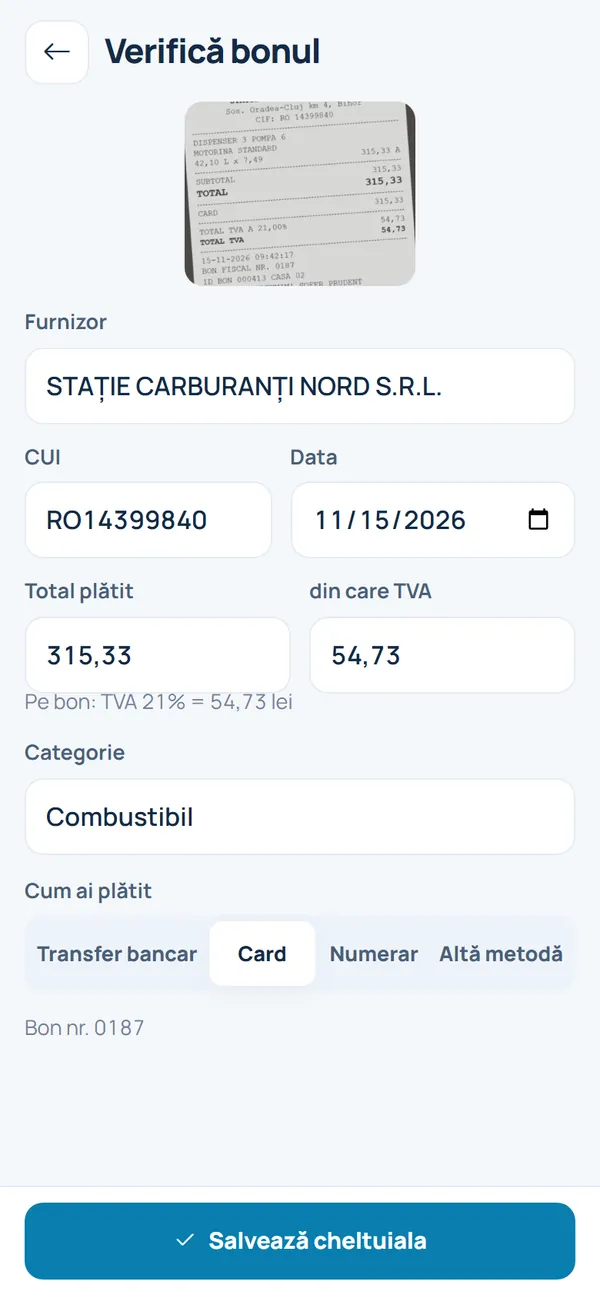
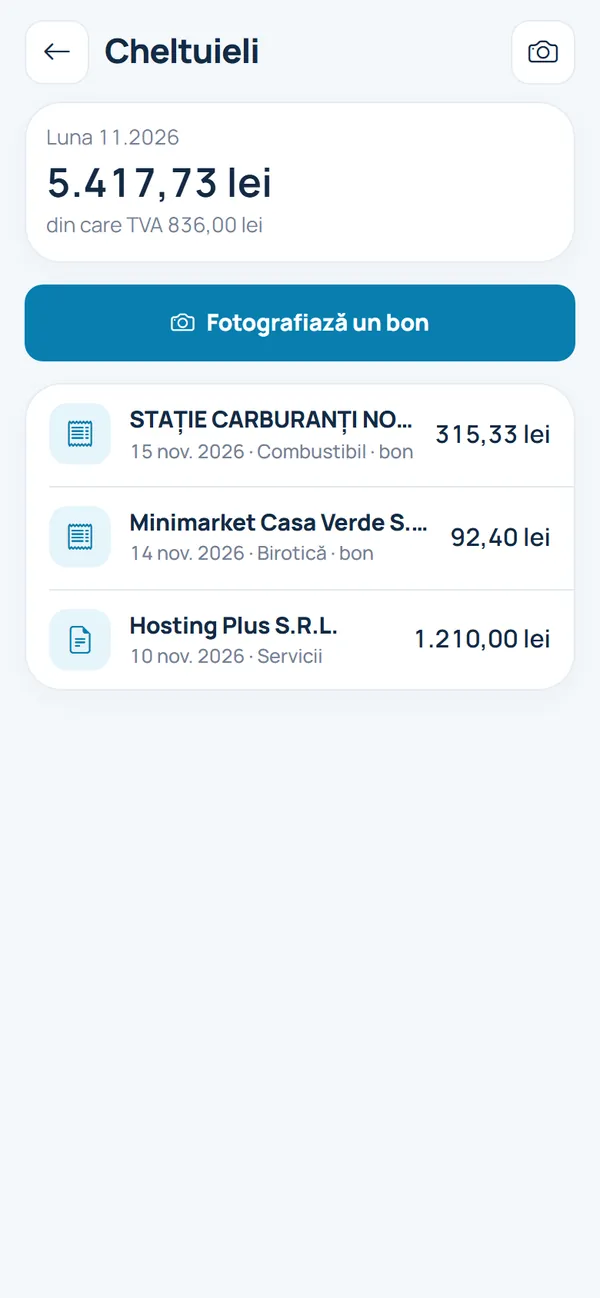
On the scan screen you choose Fiscal receipt (Bon fiscal) and photograph the receipt. The app reads the supplier, the CUI, the date, the total and the VAT. You check it, choose the category and how you paid, and the receipt is saved as paid.
Reading costs 1 credit, as with documents.
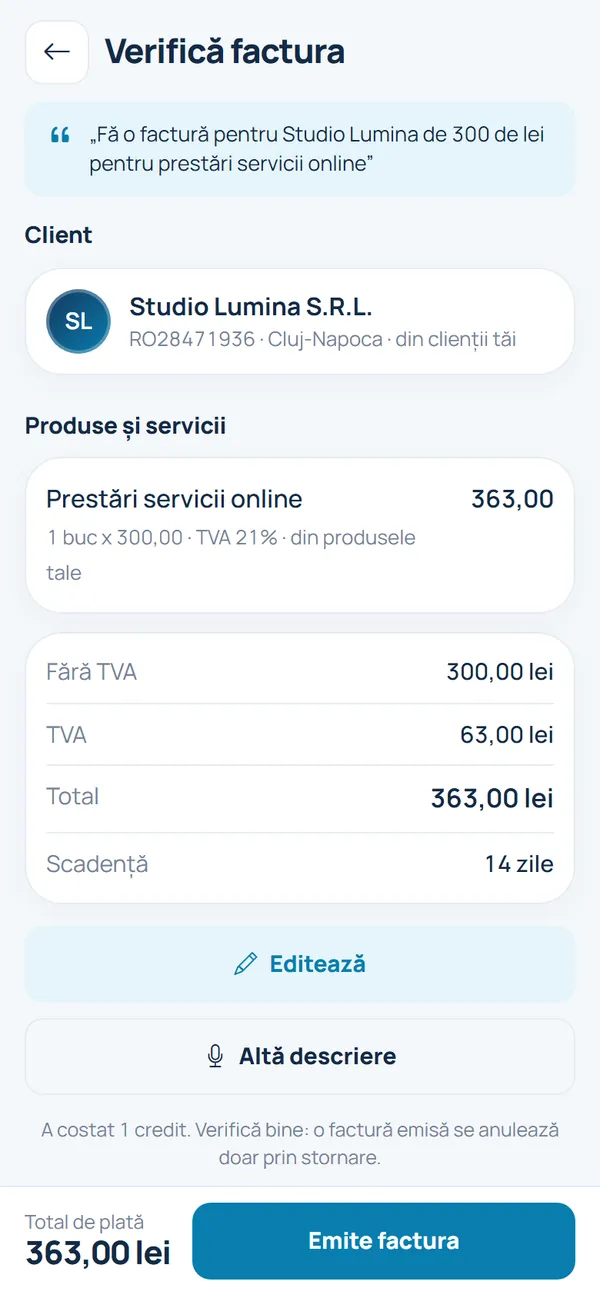
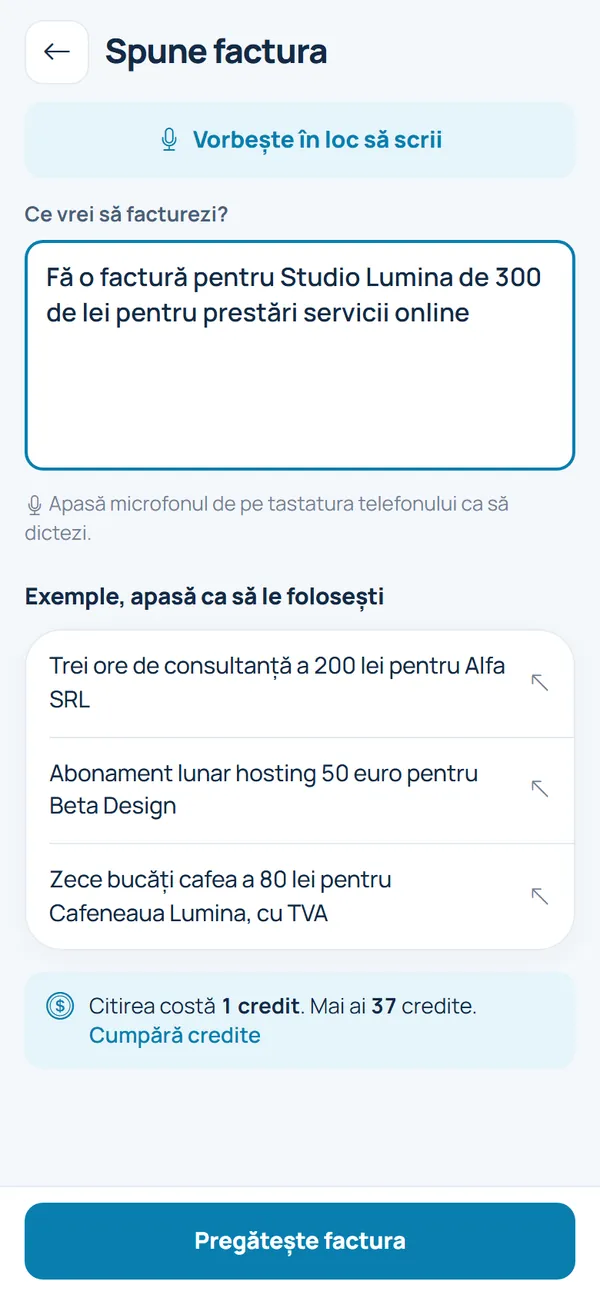
Tap Say (Spune) and describe the invoice in your own words, or type it. The app looks up the client in your list, finds the service and the price, and shows you the invoice to check.
“Make an invoice for Studio Lumina for 300 lei for online services”
Tap + and choose what you want to issue.
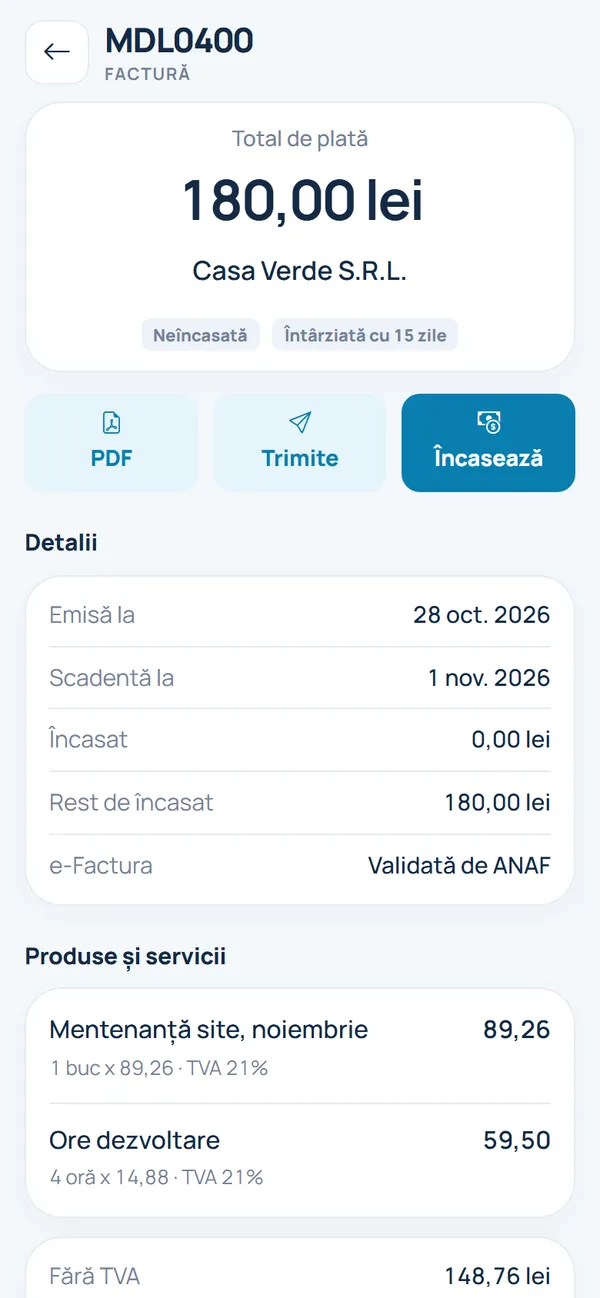
You mark the payment, partial or full, send the invoice by email or PDF, and show a QR code or send the payment link. If a client is late, you remind them on WhatsApp, SMS or email, with the payment link in the message.
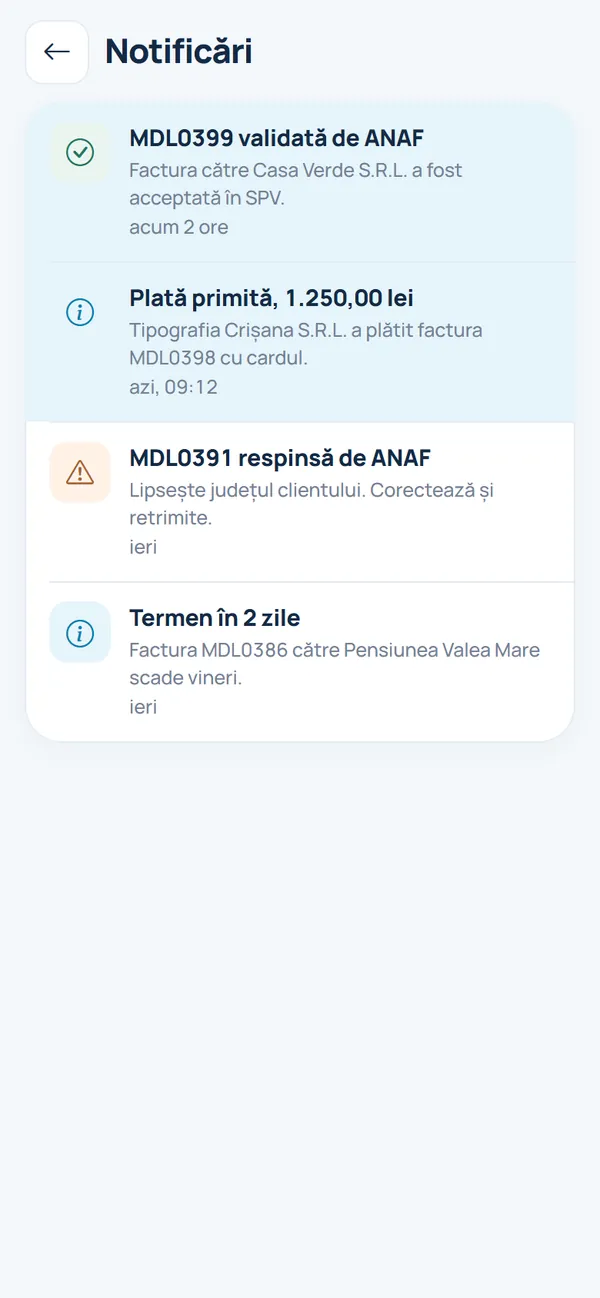
You find out when ANAF validates or rejects an invoice, when a payment comes in and when a deadline is near.
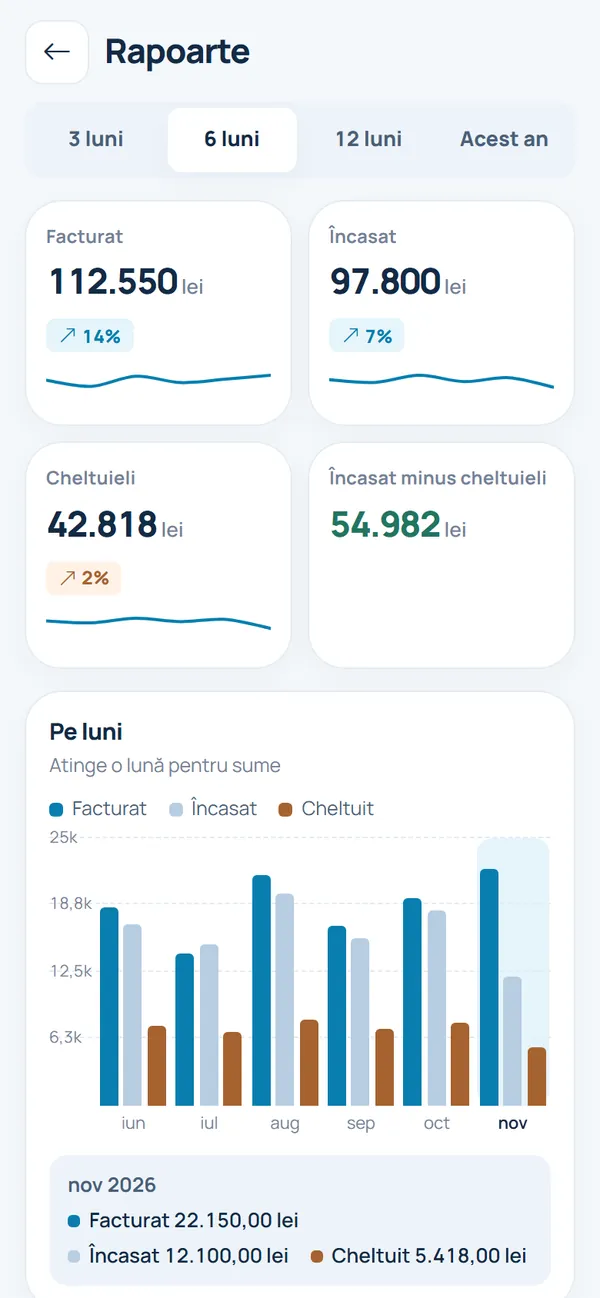
Invoiced, collected and spent by month, the main clients and how old the overdue amounts are.
The latest lists stay on the phone. An invoice created without a connection is sent by itself, only once, when the internet returns.
You log in with the username and password from the website. With a fingerprint or face, the app unlocks only for you and locks itself after 90 seconds in the background. Biometric data stays in the phone.
The app follows the phone's theme.
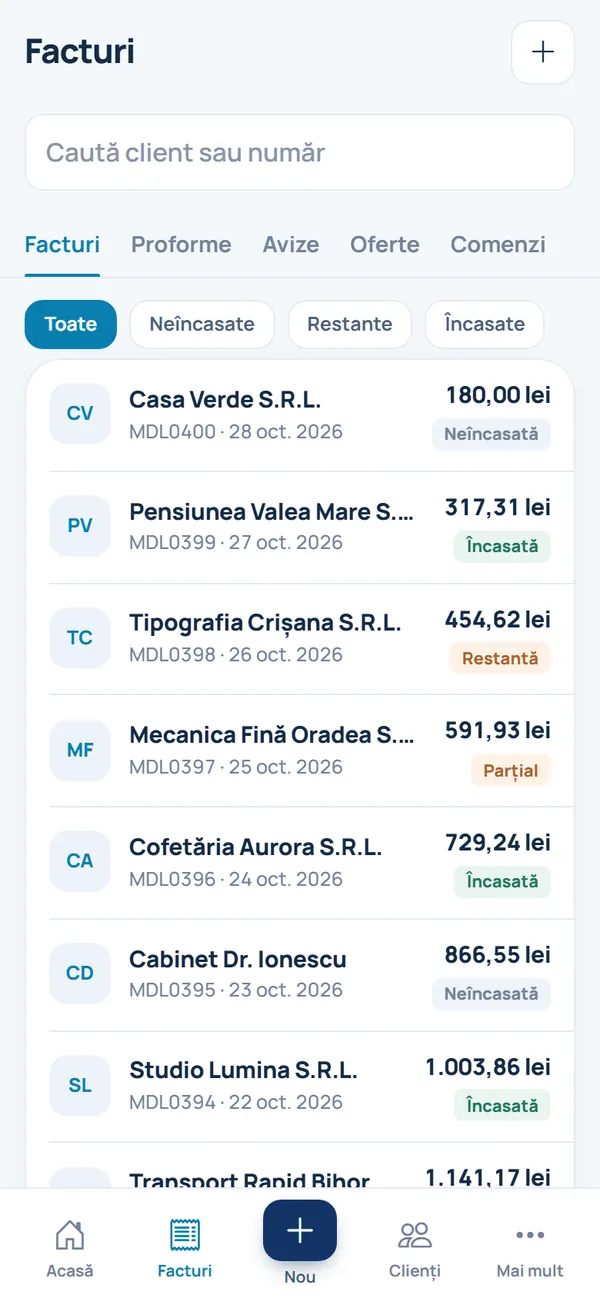
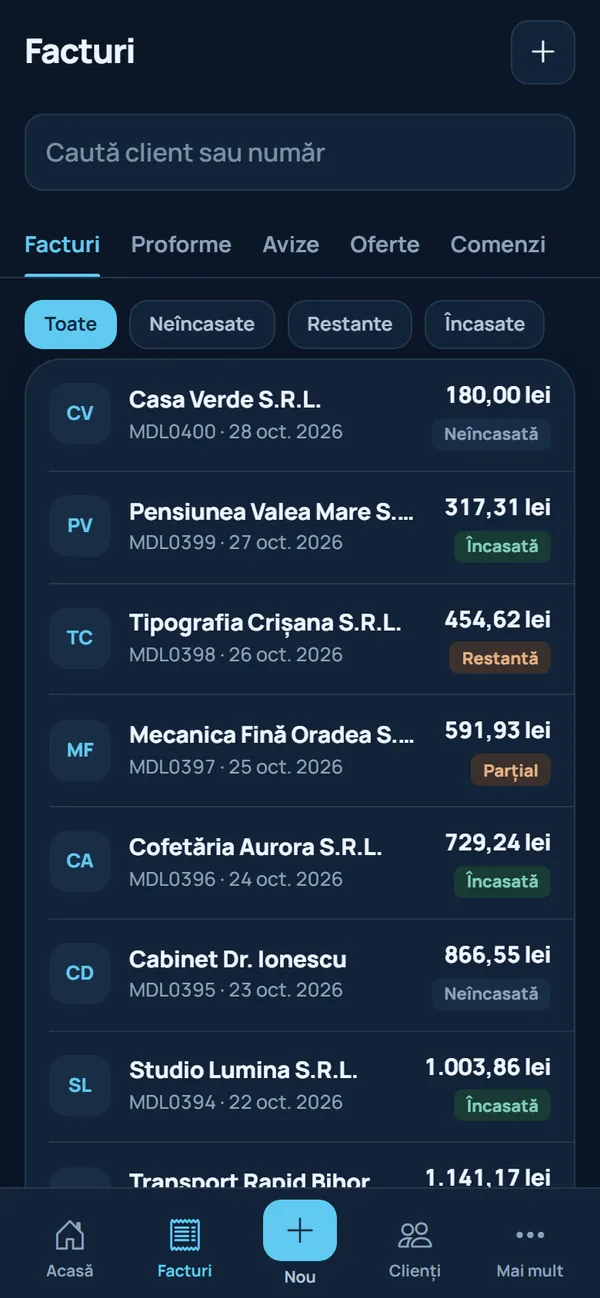
You switch between the companies in the account with a single tap. For a new client you type the CUI, and the name and address are filled in from ANAF.
It is installed straight from this website. For now the app is not on Google Play, and the Google Play version is being prepared.
On a computer? Scan the code with your phone and download the app straight there.Each user's level is set on the website, under Settings. The app follows the same rights as the website.
| Basic | You see the documents, issue invoices and prepare them by voice. |
|---|---|
| Intermediate | In addition: payments, scanning documents and fiscal receipts, and expenses. |
| Advanced | In addition: credit notes (storno invoices) and the payment link. |
| Manager and Administrator | All the functions above. |
Have another question? See all frequently asked questions or write to us at technical support.